Send your WooCommerce events to 17+ analytics and marketing tools
Connect your store data to Google Analytics 4, Google Ads, Facebook/Meta Pixel, Microsoft Clarity, and more — automatically collecting revenue, taxes, shipping, and product performance.

Automatic e-commerce data collection
Revenue & orders
Send transaction totals, order IDs, and currency to every connected tool without writing code.
Taxes & shipping
Pass detailed cost breakdowns so analytics tools can calculate true net revenue.
Product performance
Track product views, add-to-cart actions, and purchases per item to spot your best sellers.
Refund tracking
Record refund events so your dashboards reflect the real picture of store performance.
Useful data, not noise
Full Picture enriches each WooCommerce event with helpful context — like order counts in a session — and skips sending personally identifying details by default.
Configure what gets sent from a single screen, then revisit your setup any time you want to track something new.
Explore features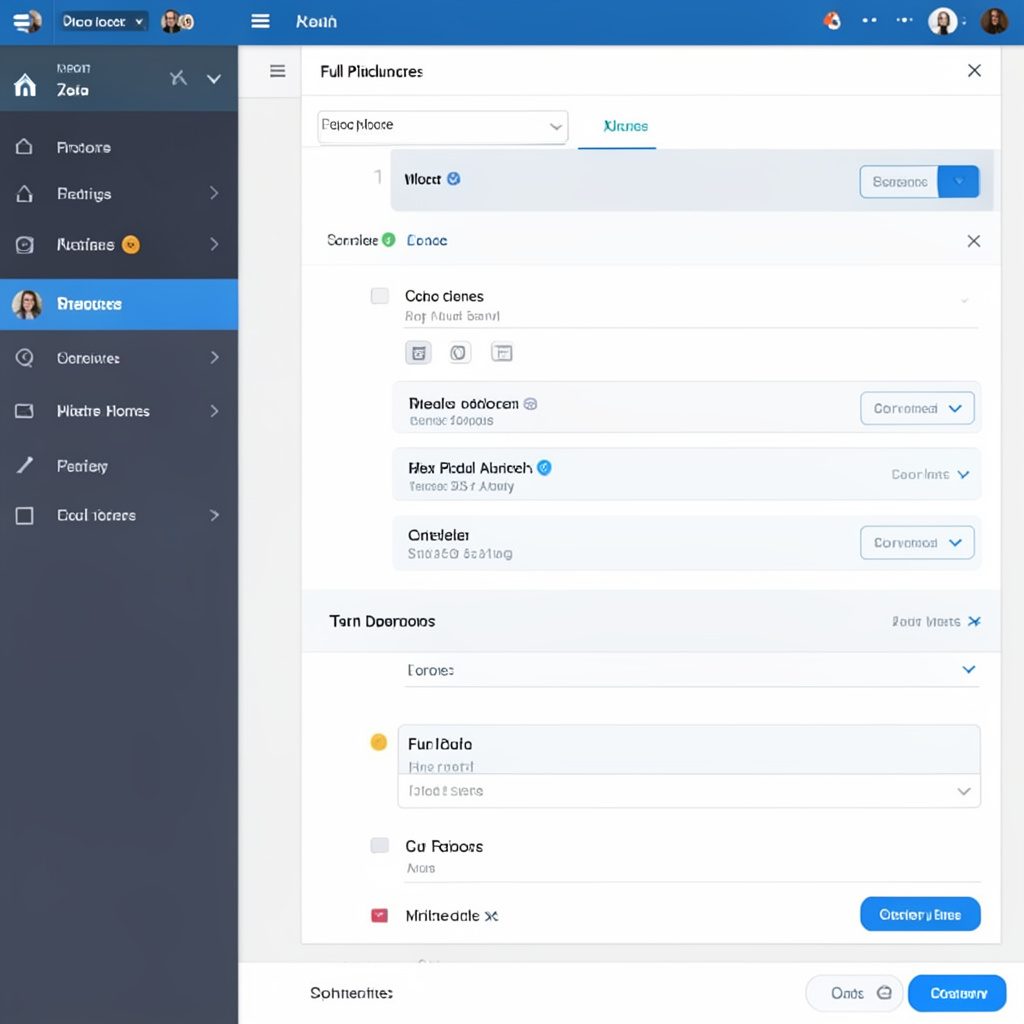
Plug store data into your favorite tools
The plugin forwards WooCommerce events to analytics and marketing platforms already listed on the Integrations page. Sample data points sent to each tool:
| Data field | Sent to connected tools |
|---|---|
| Transaction ID | Yes |
| Order revenue | Yes |
| Tax amount | Yes |
| Shipping cost | Yes |
| Product name & ID | Yes |
| Product price & quantity | Yes |
| Coupon code used | Yes |
Not every tool supports every field. Some analytics platforms receive simplified event data only.
Give the free version a try
Install from the WordPress repository and start tracking your store today. Upgrade to PRO for advanced features and email support.